Violations & code insights
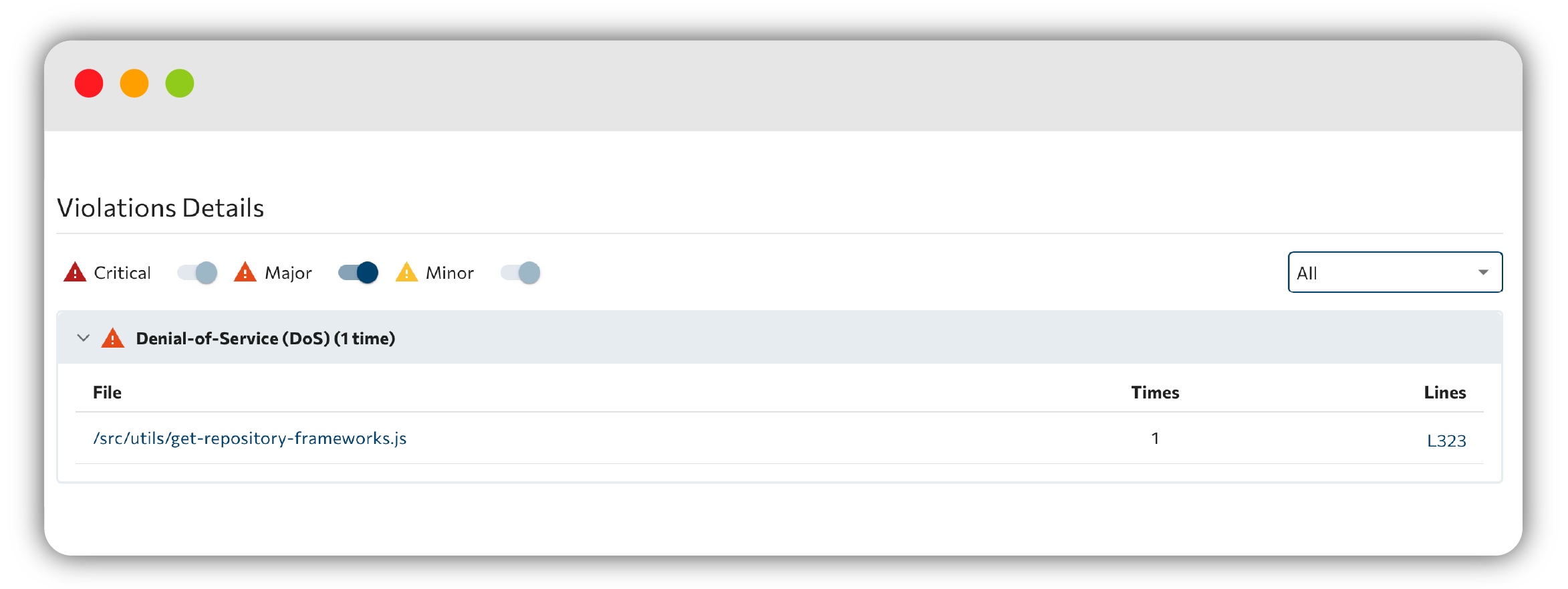
The Violations Details view lists every code violation Cyclopt Companion found, with the context you need to understand and resolve each one.
Filtering violations
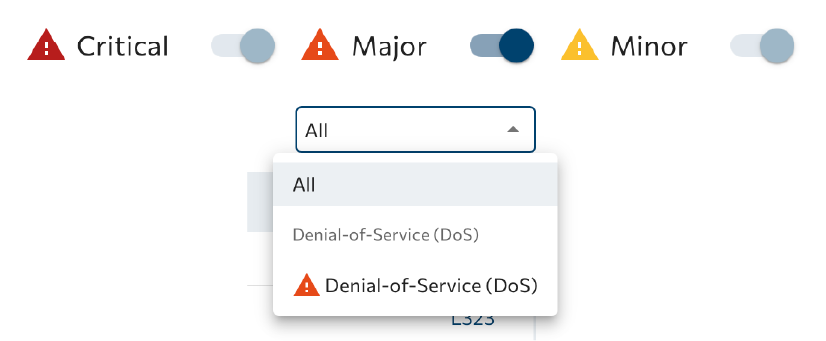
Narrow the list using the severity filters (critical, major, and minor) and the violation-type dropdown, which groups types by category.
Inspecting a file
The main table lists violations across your project. Selecting a file opens a code viewer with inline lint annotations: an error marks a critical violation, while a warning marks the rest, plus buttons to jump between problems.

The full per-language violation catalogs live in Reference. See, for example, the JavaScript violations.
You can exclude specific violations or files from analysis using the configuration file, or silence a single finding right where it lives with an inline cyclopt-ignore comment.
Next step: review dependency and code security in Security & vulnerabilities.